Move a scene, and know what it broke.
In Scrivener
Dragging a scene to its new place in the binder is effortless. Then the real work starts: the reveal that now lands too early, the recap nobody needs any more, the character who remembers a conversation that hasn't happened yet. Finding all of it is up to you.
In Ghostkey
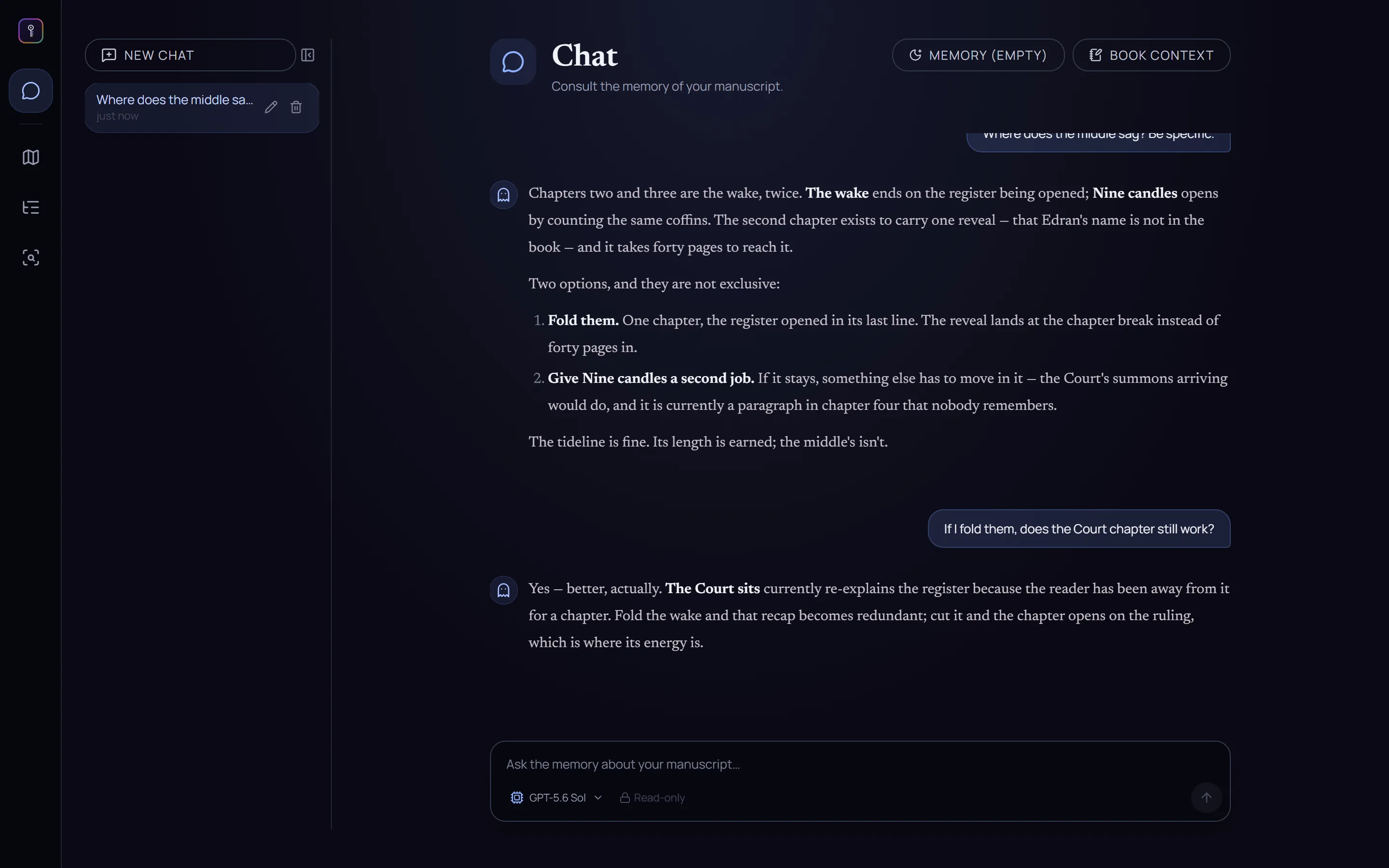
Plot the move with the chat. Tell it what you want to change and it reads the book around it — what the move breaks, what becomes redundant, what needs a line of setup. It flags each knock-on change or fixes it for you, and you choose which.
From outline to chapters in one click.
In Scrivener
Plot on the corkboard, or write your outline in the outliner. Then decide where each chapter starts and ends, create the documents and title them, one by one.
In Ghostkey
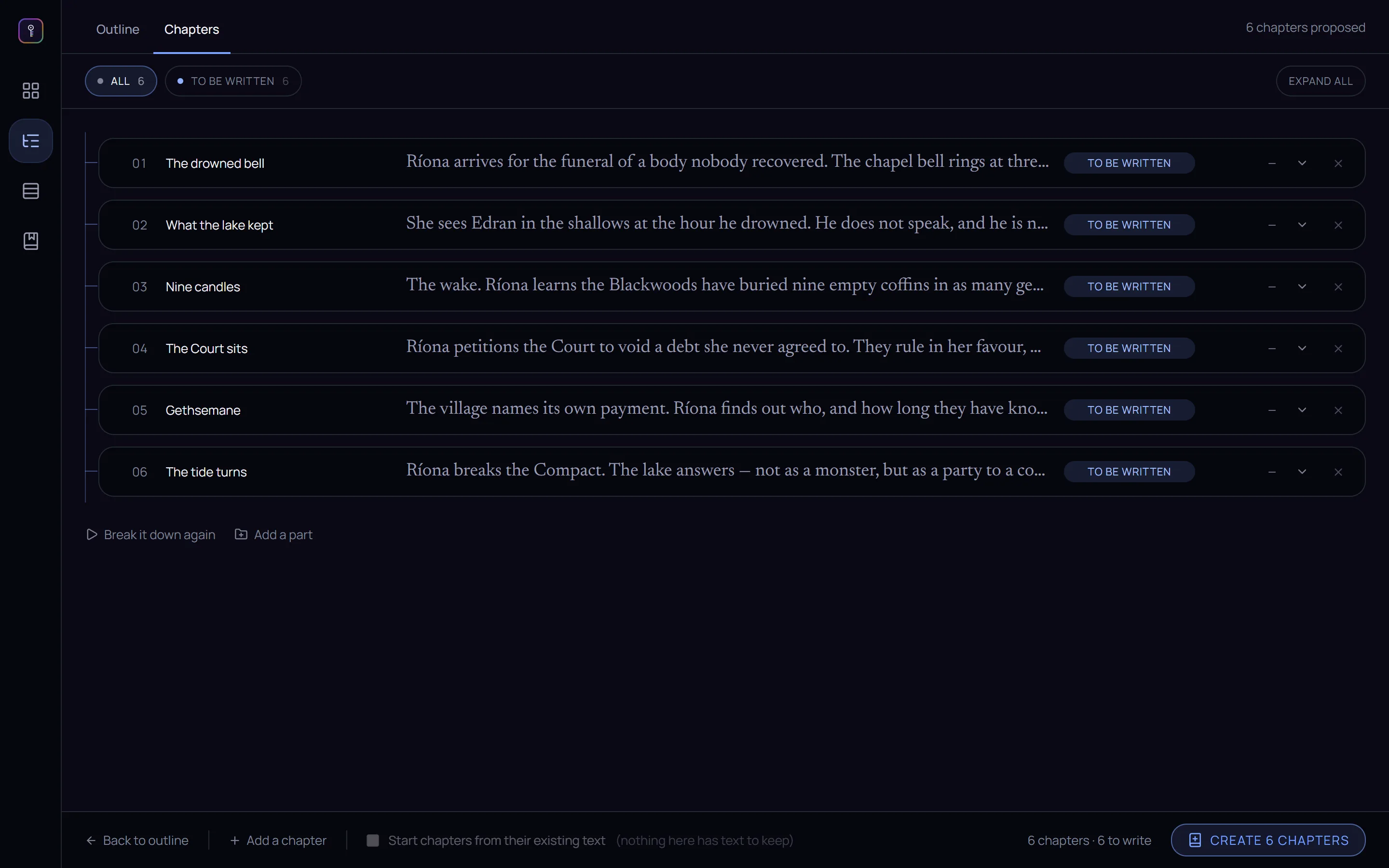
Write your outline, or lay out the beats on a board, and click Generate chapters. You get a chapter plan — a title and a summary for every chapter — to reorder, merge or reshape, by hand or by asking. When it's right, one more click creates the chapters.
A timeline that comes from the story.
In Scrivener
Link Scrivener to Aeon Timeline and keep the two in sync. Every event goes in by hand, and when the draft changes, keeping the timeline true is yours to do.
In Ghostkey
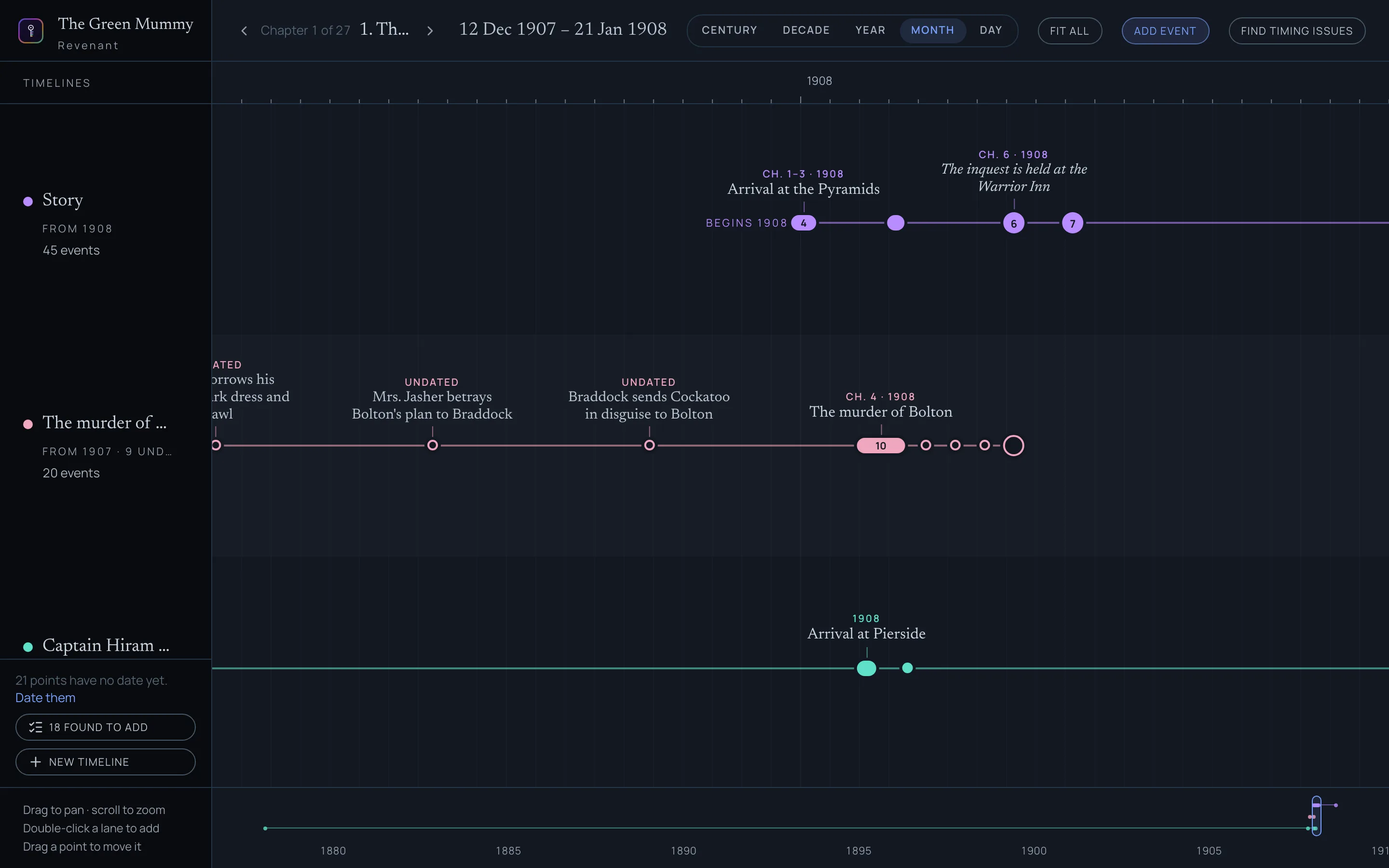
Revenant reads your story and extracts the timelines from it: the main plot, the murder that happens offstage, a character's whole life. Where the book never says when something happened, it asks you. And it checks the timing across chapters on request.
Character sheets that write themselves.
In Scrivener
Fill in a character sheet for everyone in the book and keep it open in a Quick Reference panel while you write. Keeping each sheet up to date as the book changes is part of the job.
In Ghostkey
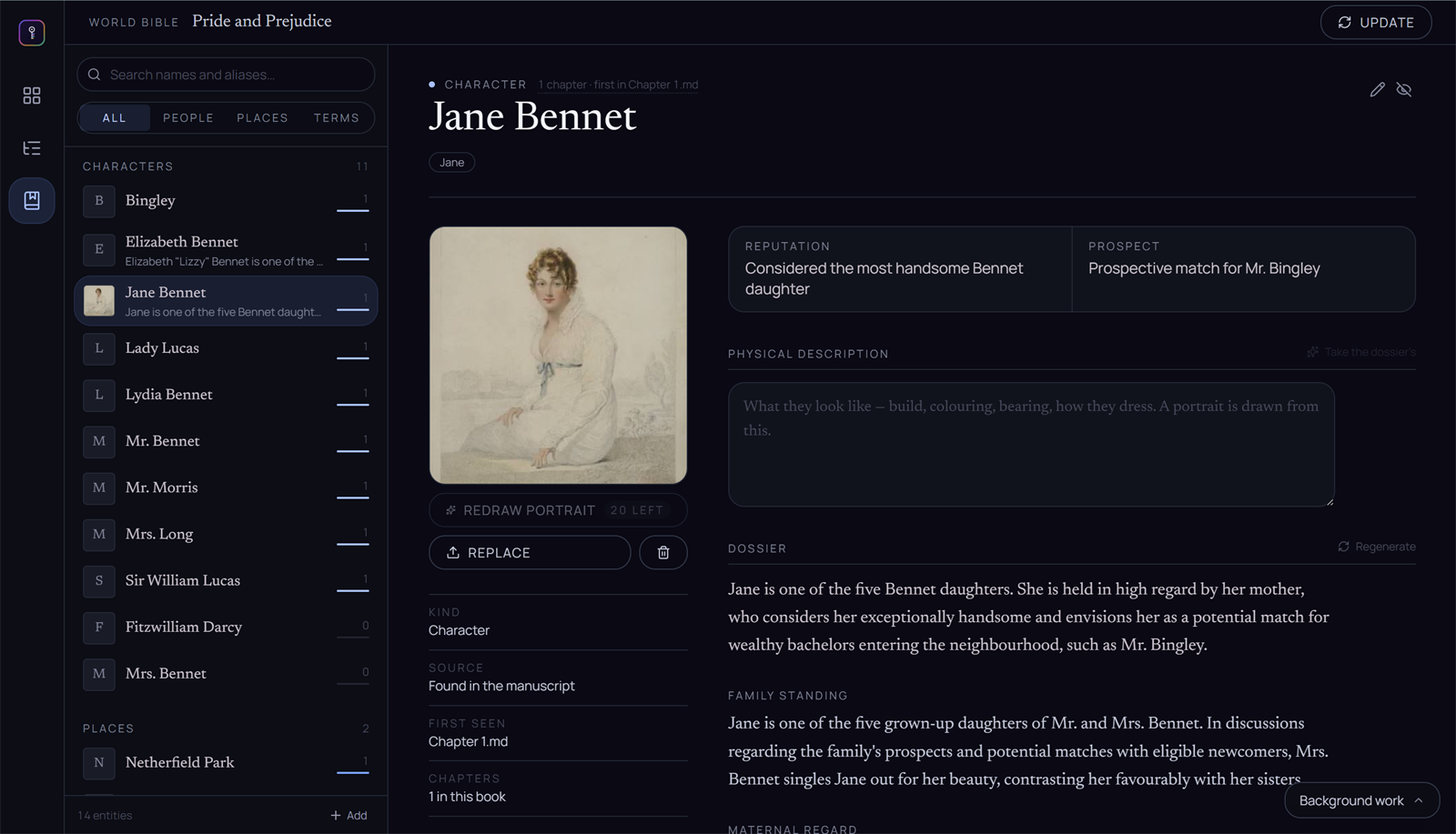
Ghostkey writes the character sheets from your book — or from the earlier books in the series — and knows which characters are in which scene. When one walks into the chapter you're writing, their card is already beside the page.